AI tool · A2
CAD part data extraction, BOM and batch drawing export
Reads a STEP assembly, extracts part data and estimated mass, checks part numbers and materials, and writes the BOM, an issue list and a three-view drawing per part in one run.
Self-initiated projectPublic demo built in October 2026 on a self-made generic modelMethod, requirements and result checks are mine; the code was implemented with AI coding tools and reviewed by meThe equivalent CATIA tools used at work are confidential and not published; this page runs no CATIA
One run
- Part types
- 17
- Part instances
- 32
- Drawings
- 17
- Issues found
- 54 errors · 1 warnings
- Total time
- 3.84s
Sandbox Linux x86_64, 2 vCPUs, Python 3.13.16, OCP 7.8.1.1
Pipeline
STEP assembly
Neutral STEP AP242. PRODUCT id is the part number, name the nomenclature; materials sit in AP242 material properties.
input/*.stepTree traversal
Expands sub-assemblies recursively per product definition and counts each part’s instances and placements.
step_reader.pyProperties & mass
Volume and surface area integrated on the exact B-rep, bounding box; volume × density table gives the estimated mass.
geometry.pyRule check
Part-number pattern and normalisation, missing or unknown material, duplicate part numbers (geometry compared), solid validity.
rules.pyBOM · drawings · names
BOM as CSV / XLSX / JSON; A4 three-view drawings by HLR projection; every file named “part number_name”.
report.py · drawing.py · naming.py
Input: demo assembly
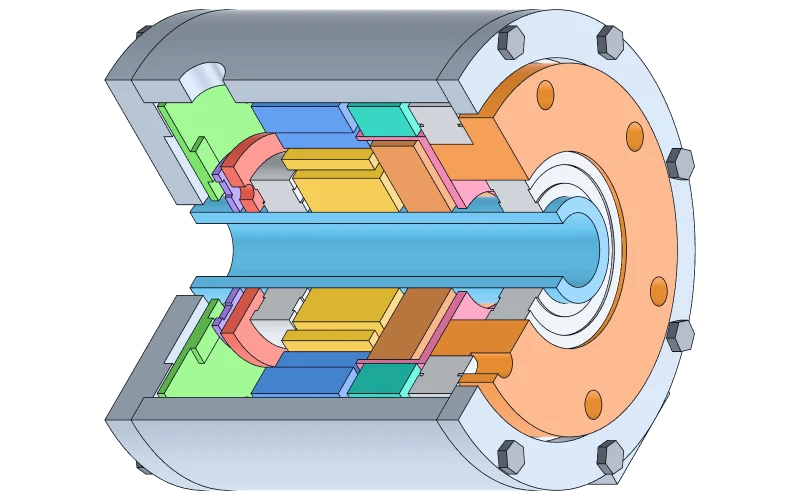
A simplified generic robot joint: hollow motor, harmonic reducer unit, cross-roller bearing, covers and fasteners, with motor and reducer as two sub-assemblies. Sizes are round placeholder values for this demo and match no product. A Python script in the same folder models it with OpenCASCADE and exports STEP.
Four entries in the demo data are wrong on purpose, to test the rule check:
- The front cover reuses the rear cover’s part number RJ-STR-002
- The driver board’s part number is written rj_elc_002 (case and separators only)
- The encoder disc has no material
- The M3×8 bolt’s part number is RJ-FST-02 (wrong digit count)
Issue list
Raw rule-check output (issues.csv), sorted by severity. A duplicate part number is listed once for each part.
| Level | Part no. | Name | Finding |
|---|---|---|---|
| Error | RJ-ELC-001 | Encoder disc | No material; mass not estimated |
| Error | RJ-FST-02 | Hex bolt M3x8 | Part number “RJ-FST-02” breaks the naming rule and is not changed: with a wrong digit count the intended number is unknown |
| Error | RJ-STR-002 | Front cover | Part number RJ-STR-002 is shared by 2 different parts (Rear cover, Front cover) |
| Error | RJ-STR-002 | Rear cover | Part number RJ-STR-002 is shared by 2 different parts (Rear cover, Front cover) |
| Warning | RJ-ELC-002 | Driver board | Part number “rj_elc_002” differed only in case or separators; normalised to RJ-ELC-002 |
BOM
Summarised BOM, 17 rows. The table reads bom.json only when you ask for it; columns are sortable.
Downloads
Three-view drawings
One A4 sheet (SVG) per part, first-angle projection, named by part number. Lines come from OpenCASCADE hidden-line removal (HLR); only overall sizes are dimensioned. Select a sheet to enlarge it.
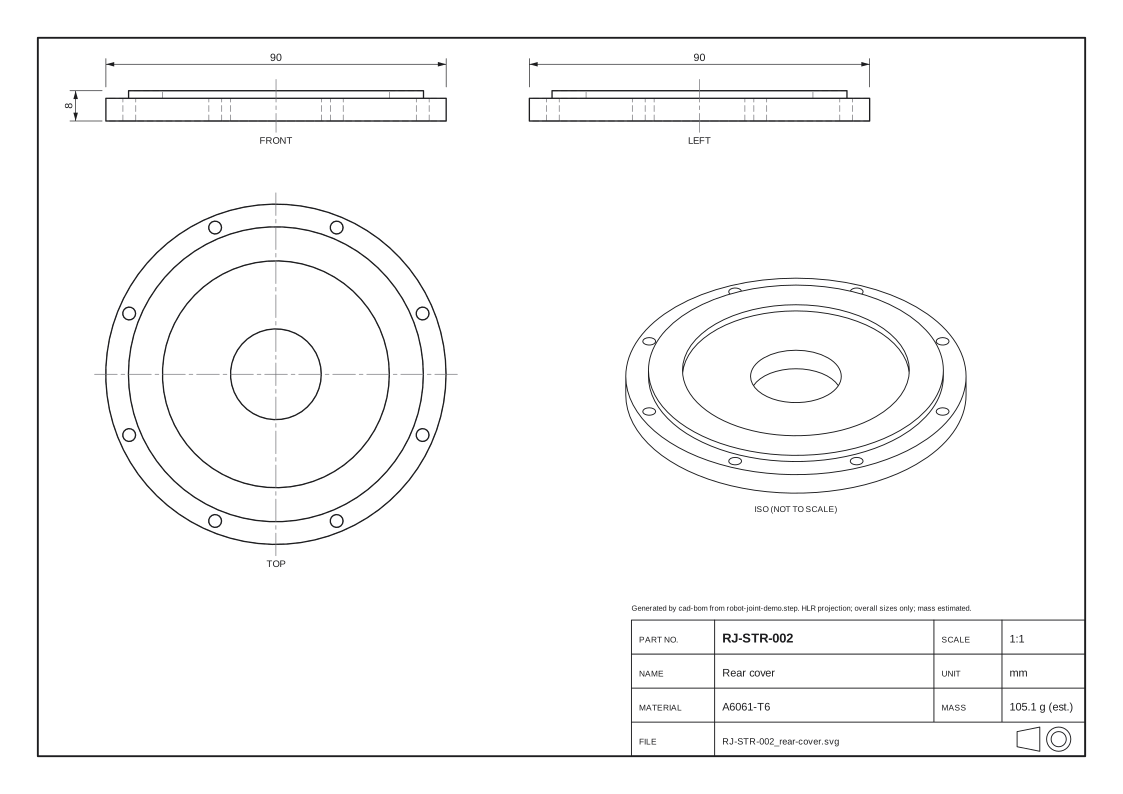 RJ-STR-002Rear cover
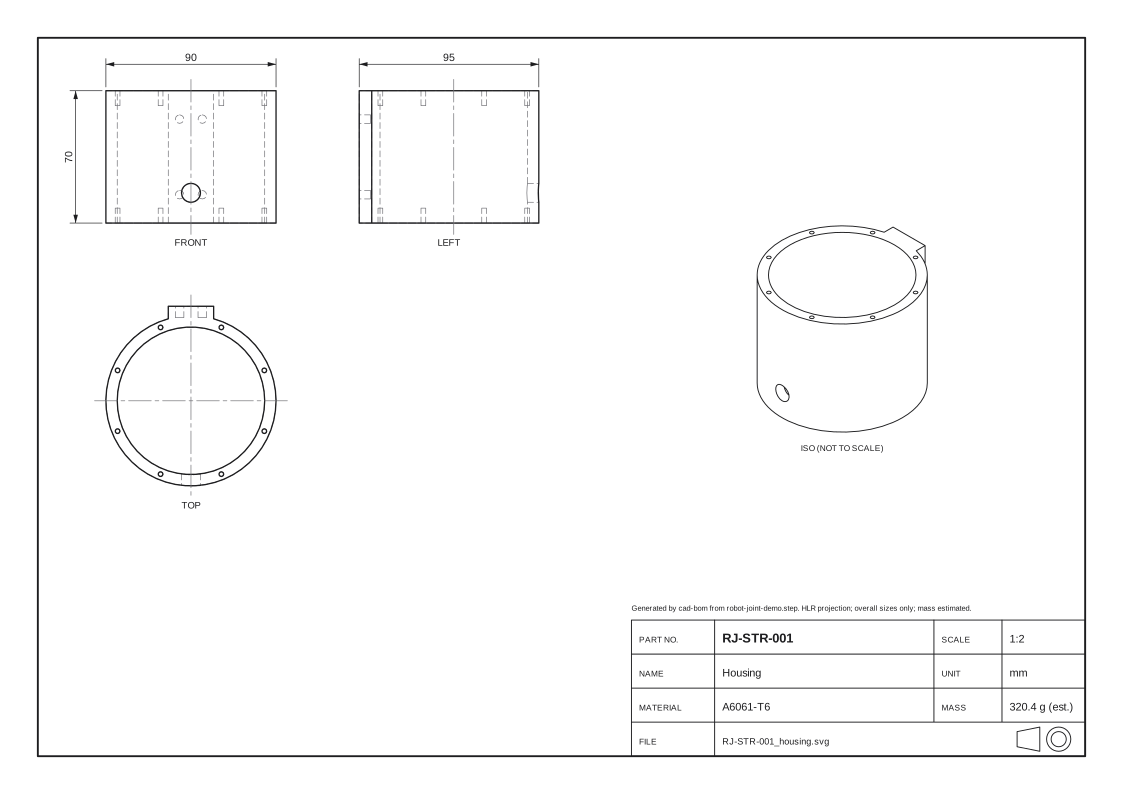 RJ-STR-001Housing
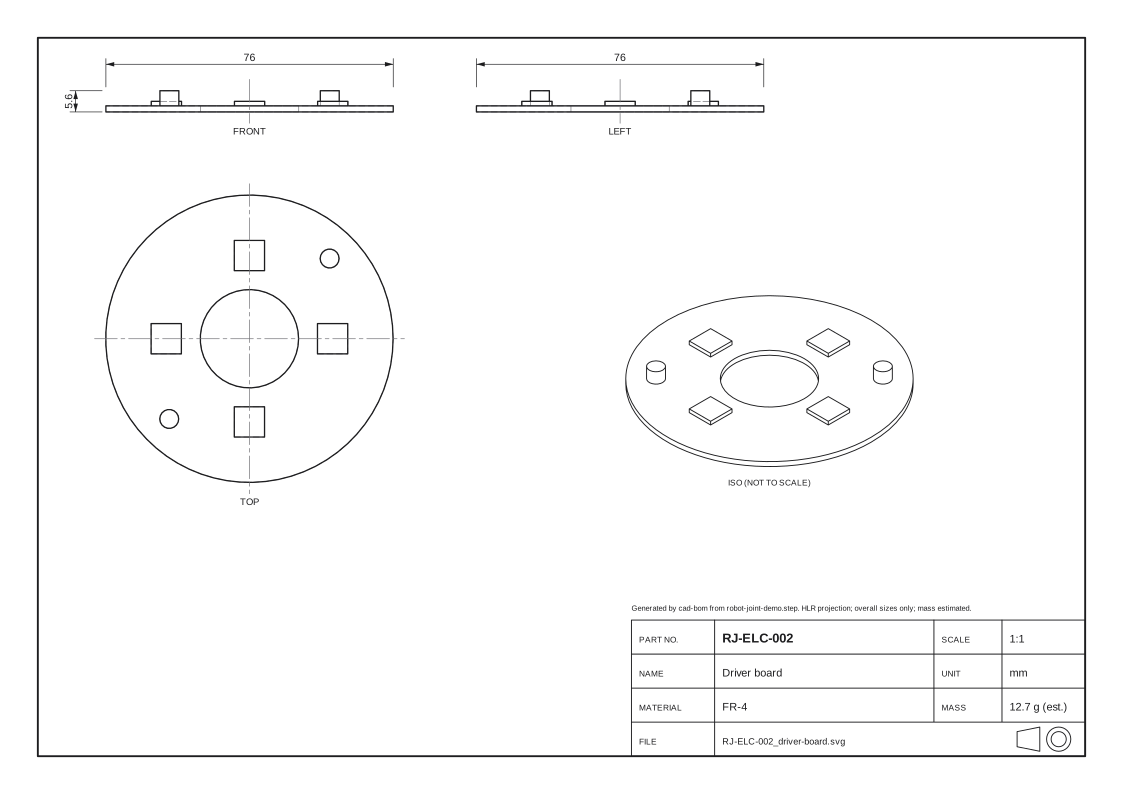 RJ-ELC-002Driver board
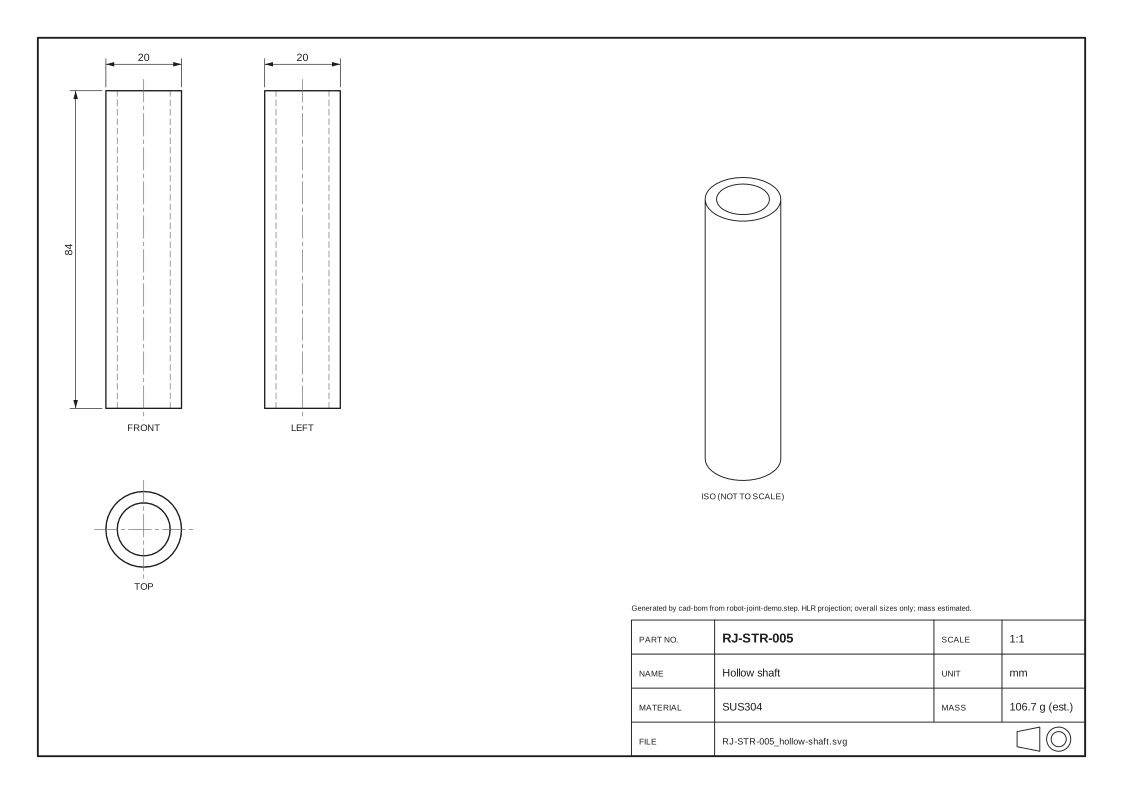 RJ-STR-005Hollow shaft
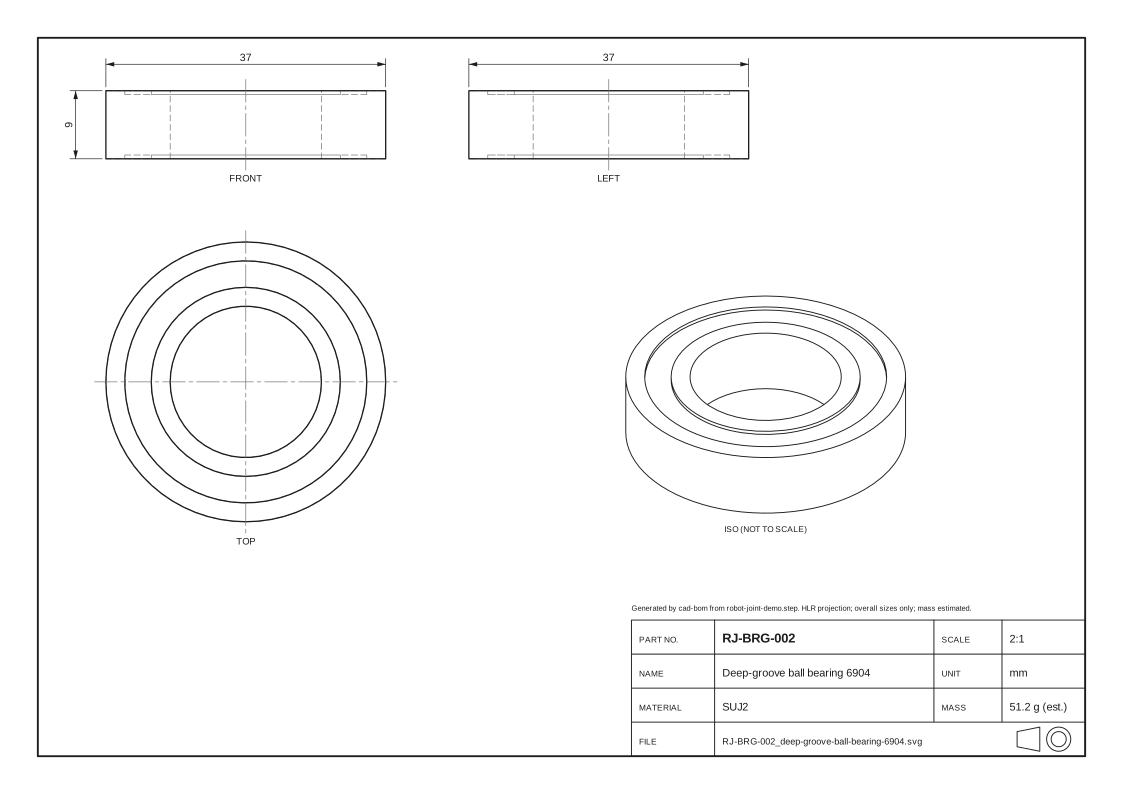 RJ-BRG-002Deep-groove ball bearing 6904
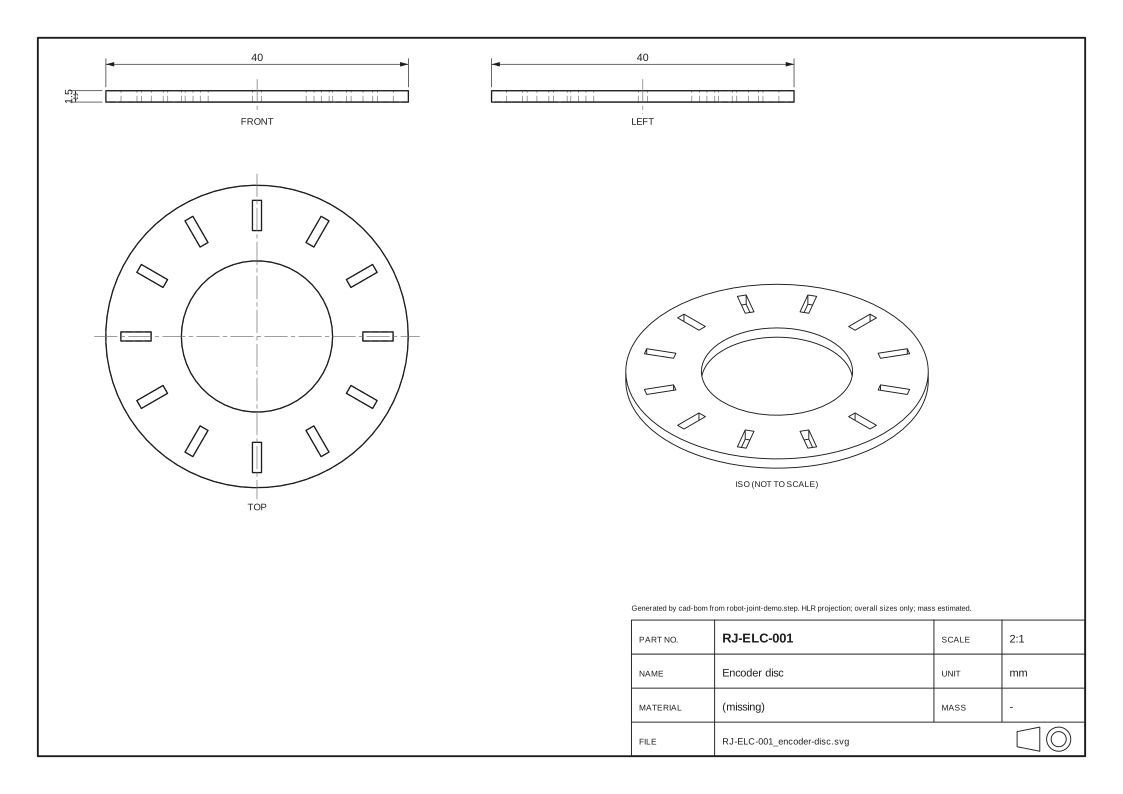 RJ-ELC-001Encoder disc
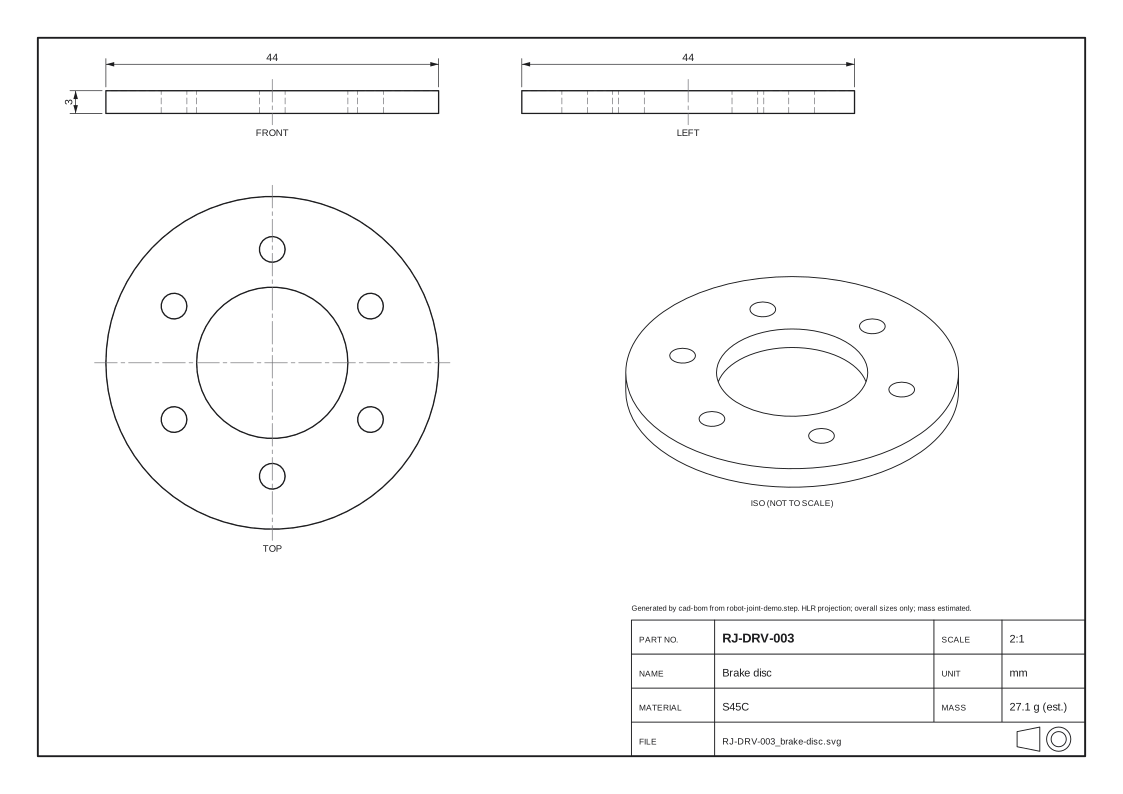 RJ-DRV-003Brake disc
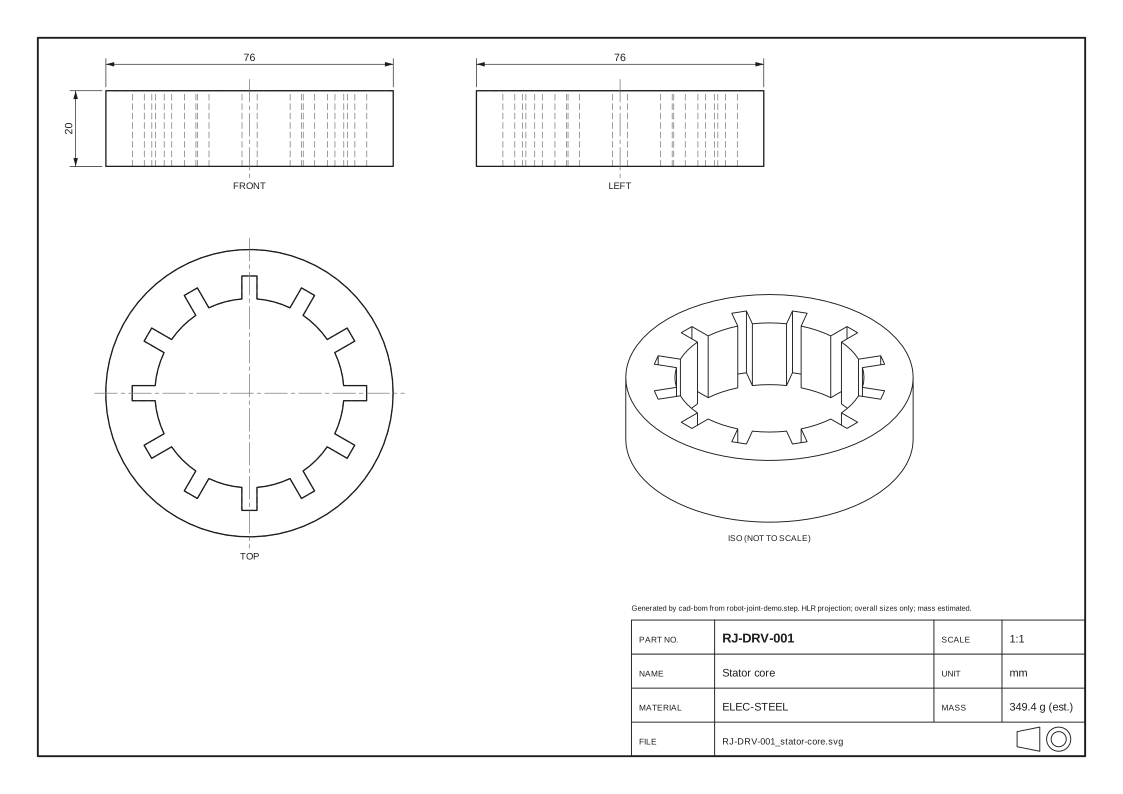 RJ-DRV-001Stator core
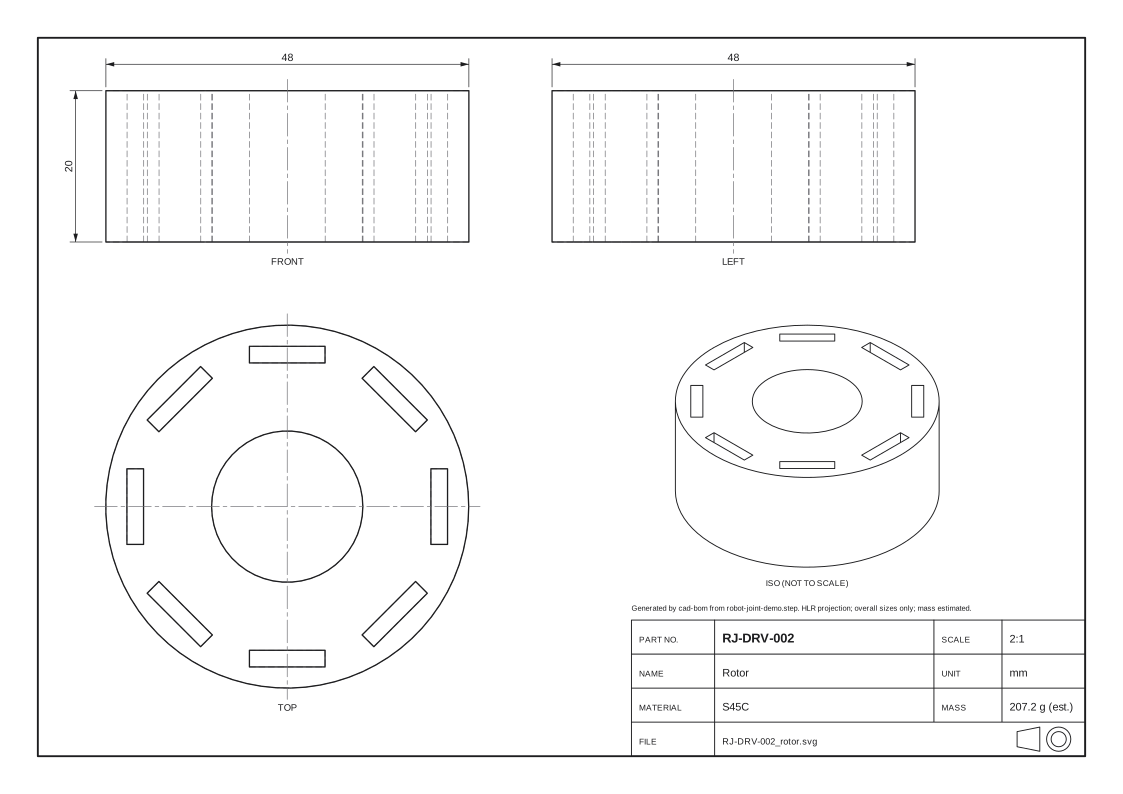 RJ-DRV-002Rotor
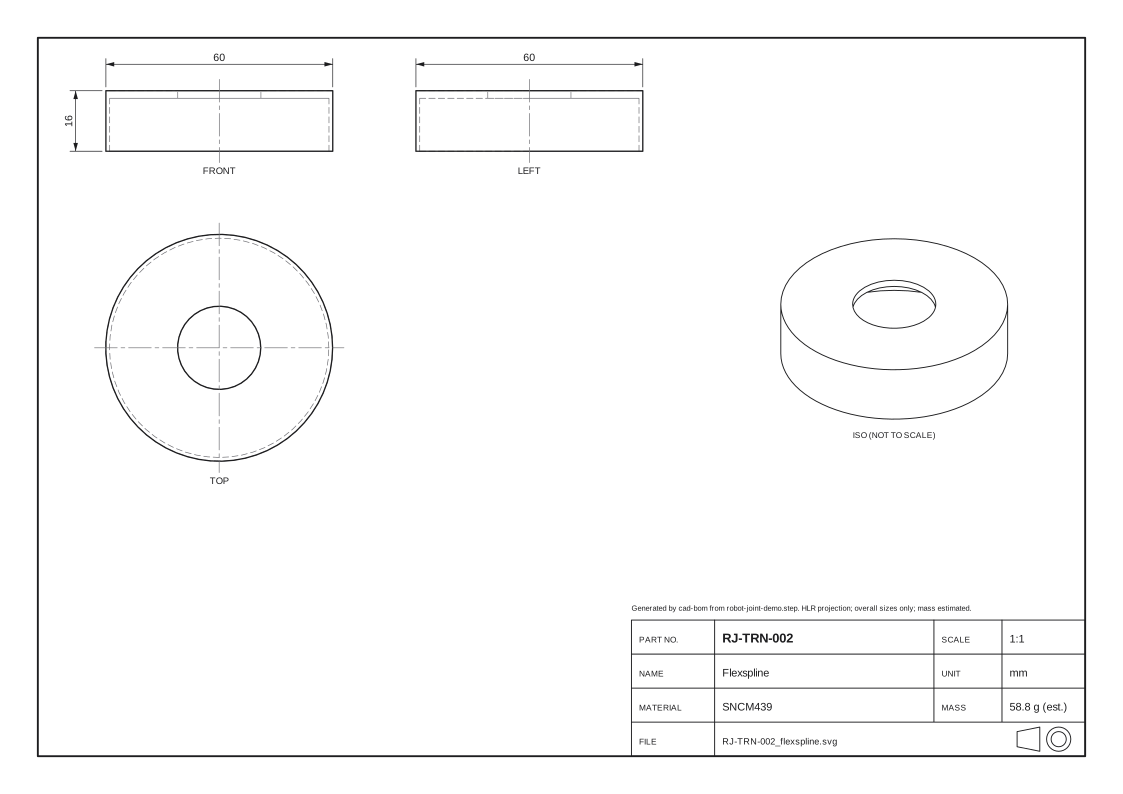 RJ-TRN-002Flexspline
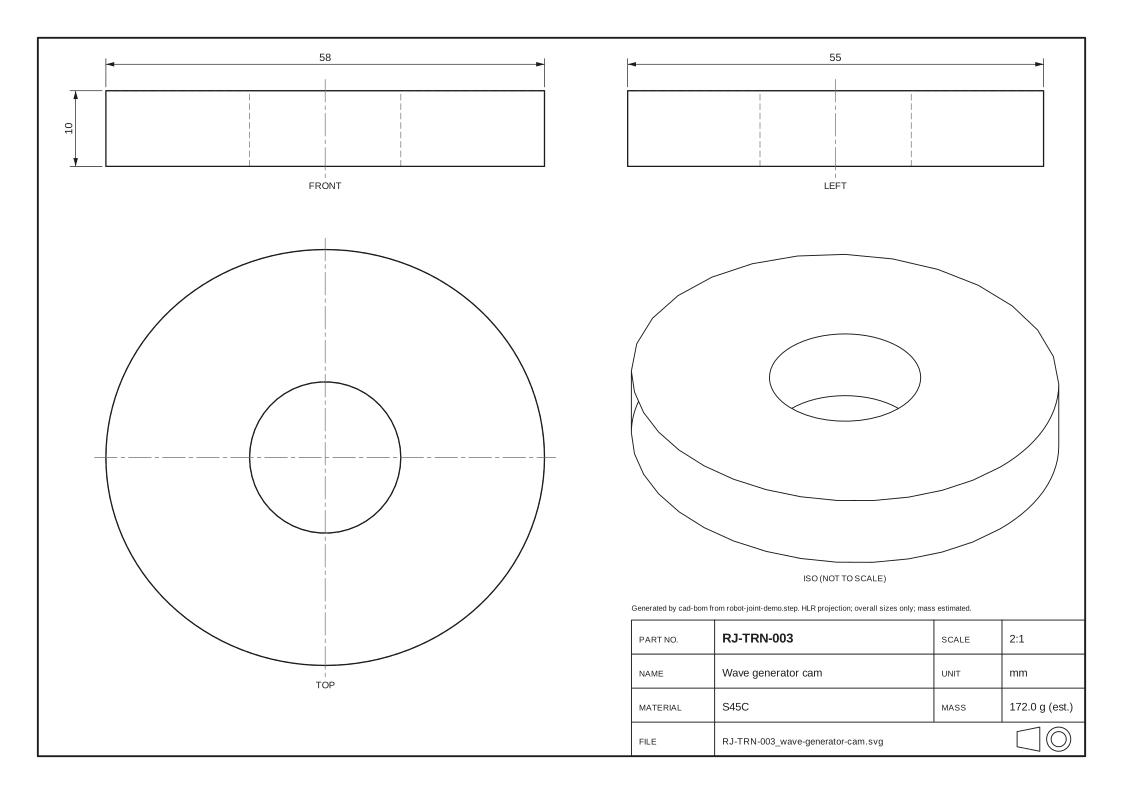 RJ-TRN-003Wave generator cam
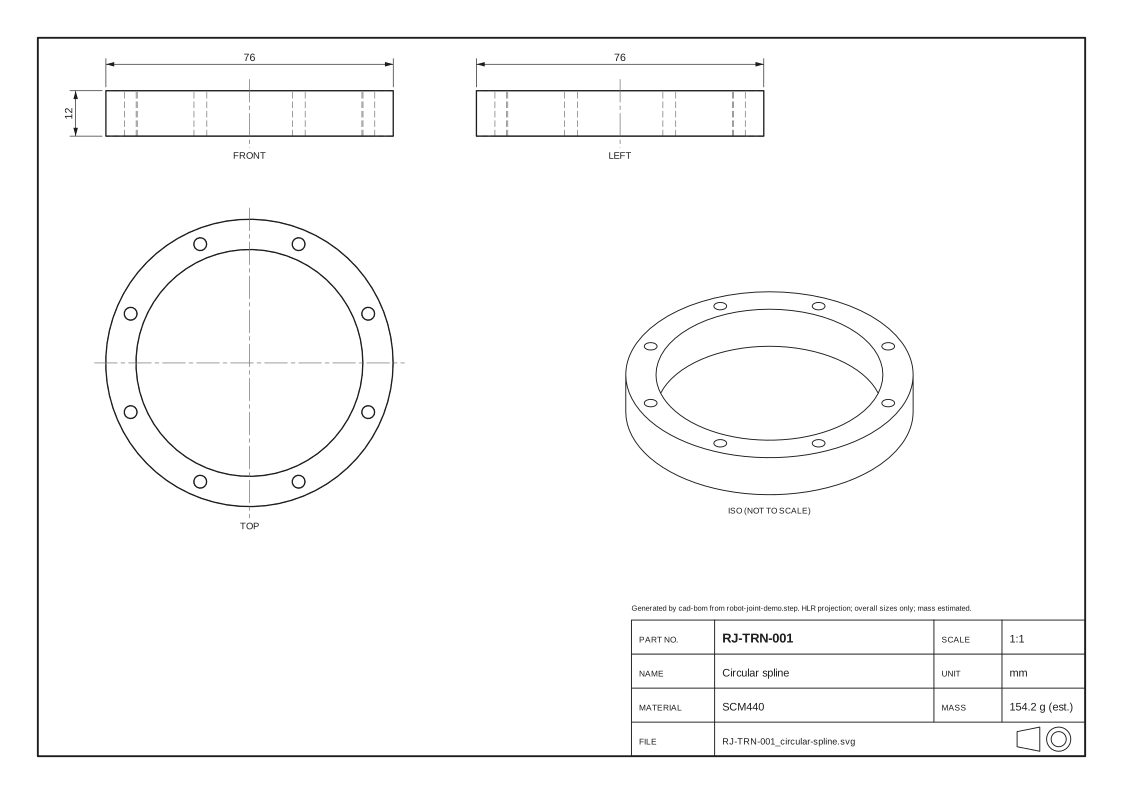 RJ-TRN-001Circular spline
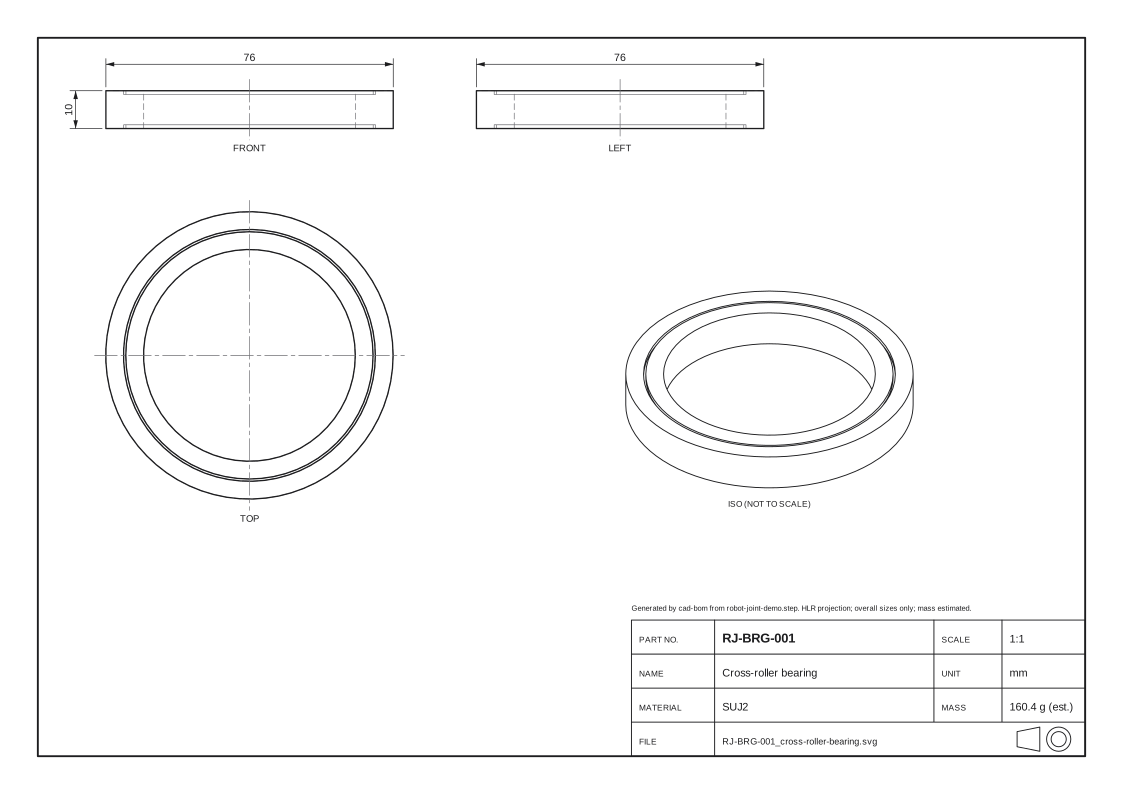 RJ-BRG-001Cross-roller bearing
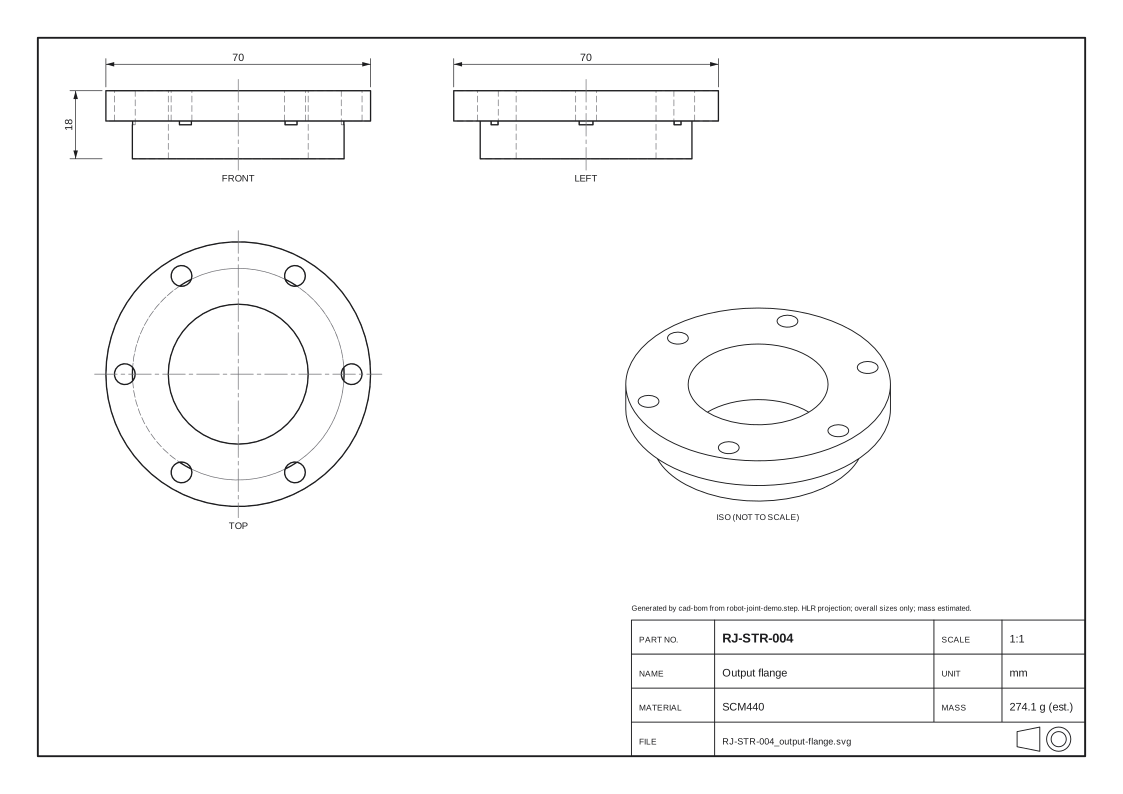 RJ-STR-004Output flange
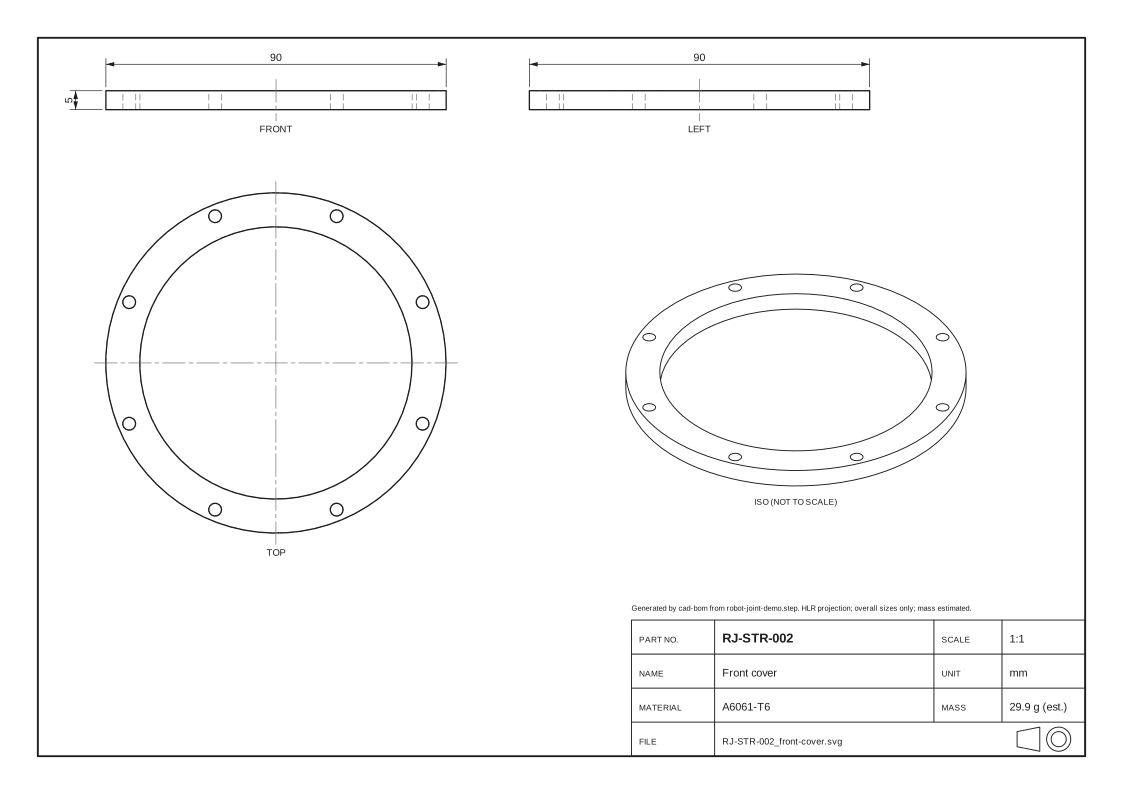 RJ-STR-002Front cover
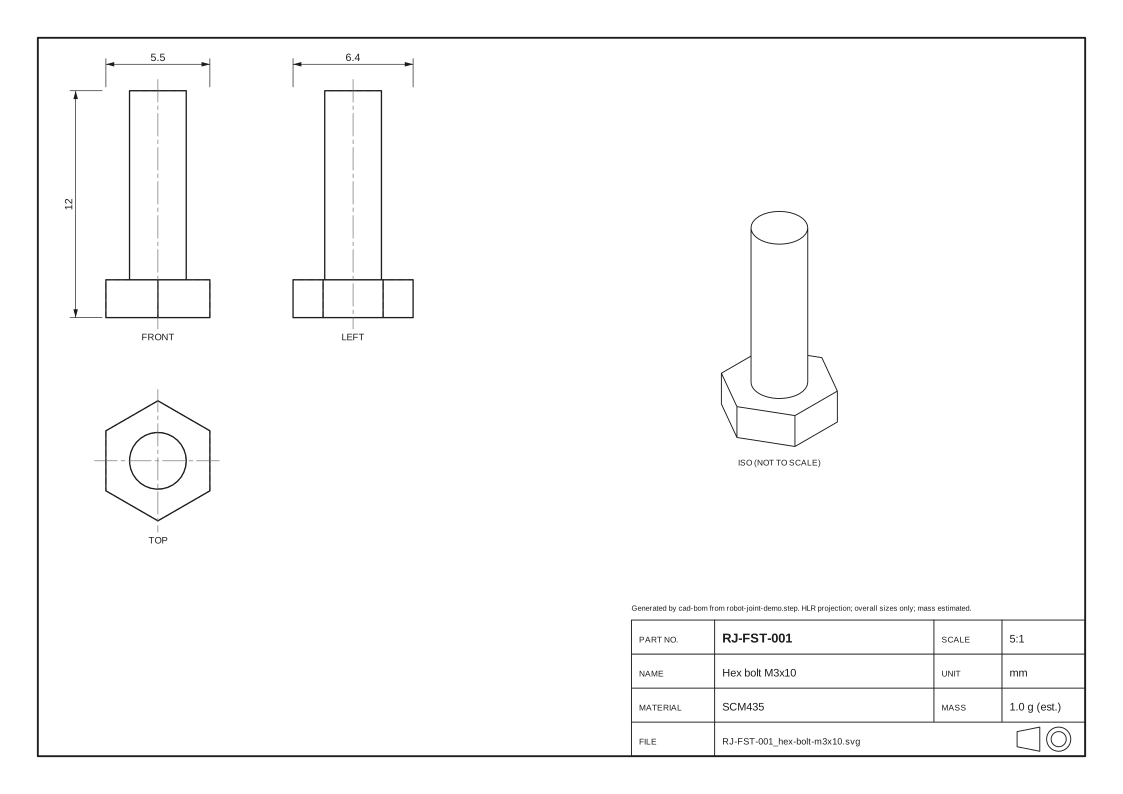 RJ-FST-001Hex bolt M3x10
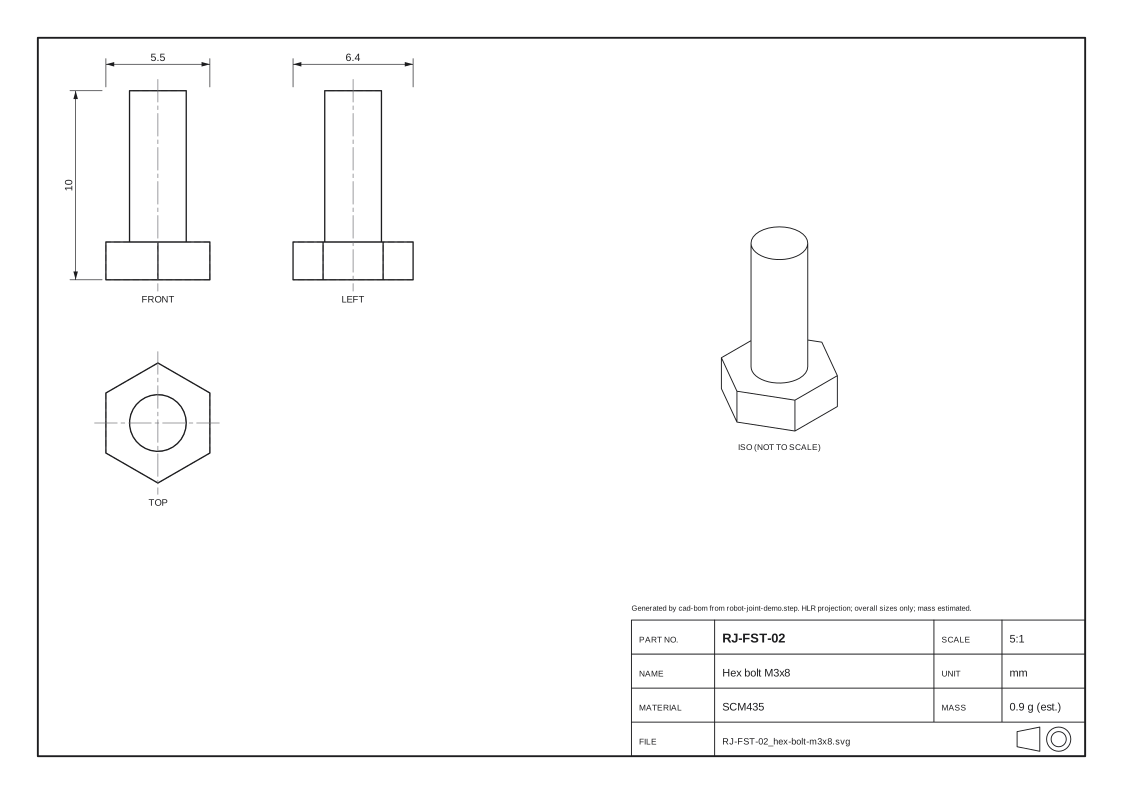 RJ-FST-02Hex bolt M3x8
Python tool
The tool lives in tools/cad-bom/ of the repository: the geometry kernel is the open-source OpenCASCADE (cadquery-ocp), BOM sheets use openpyxl, and versions are pinned in requirements.txt. The numbers below come from the committed output/run.json; apart from timing, pytest reruns the tool and compares the outputs byte for byte.
Time by stage
| Stage | s |
|---|---|
| Read STEP and assembly tree | 0.25 |
| Volume, area, bounding box | 0.14 |
| Rule check | 0.00 |
| Summarise BOM | 0.00 |
| Write CSV / XLSX | 0.02 |
| Three-view drawings (HLR) | 2.53 |
| Assembly overview | 0.91 |
| Manifest and checksums | 0.00 |
| Total time | 3.84 |
Reproduce
cd tools/cad-bom
python -m venv .venv
.venv/bin/pip install -r requirements.txt
.venv/bin/python -m cadbom input/robot-joint-demo.step
.venv/bin/python -m pytest
Tool folder on GitHub · tools/cad-bom
By hand, the same work means opening each part to read its properties, measuring volumes, checking part numbers, then drawing and renaming sheet by sheet; the tool does it in one run, and the result can be checked again at any time.
Core code
Walk the assembly tree (step_reader.py)
def walk(label: TDF_Label, location: TopLoc_Location, depth: int) -> Occurrence:
    node = Occurrence(definition(label), location, depth)
    if XCAFDoc_ShapeTool.IsAssembly_s(label):
        components = TDF_LabelSequence()
        XCAFDoc_ShapeTool.GetComponents_s(label, components, False)
        for i in range(1, components.Length() + 1):
            component = components.Value(i)
            referred = TDF_Label()
            XCAFDoc_ShapeTool.GetReferredShape_s(component, referred)
            placement = location.Multiplied(XCAFDoc_ShapeTool.GetLocation_s(component))
            node.children.append(walk(referred, placement, depth + 1))
    return node
Check and normalise part numbers (rules.py)
def check_part_number(raw: str | None, name: str, pattern: str) -> Checked:
    if raw is None:
        return Checked("", [Issue("PN_AMBIGUOUS", "", name, {})])
    regex = re.compile(pattern)
    if regex.fullmatch(raw):
        return Checked(raw, [])
    fixed = normalize_part_number(raw)
    if regex.fullmatch(fixed):
        return Checked(fixed, [Issue("PN_NORMALIZED", fixed, name, {"raw": raw, "fixed": fixed})])
    return Checked(raw, [Issue("PN_FORMAT", raw, name, {"raw": raw, "pattern": pattern})])
HLR projection of a view (drawing.py)
def project(shape: TopoDS_Shape, view: str, deflection: float = 0.02, hidden: bool = True) -> Projection:
    direction, x_dir = VIEWS[view]
    algo = HLRBRep_Algo()
    algo.Add(shape)
    algo.Projector(HLRAlgo_Projector(gp_Ax2(gp_Pnt(0, 0, 0), gp_Dir(*direction), gp_Dir(*x_dir))))
    algo.Update()
    algo.Hide()
    result = HLRBRep_HLRToShape(algo)
    visible = _polylines(result.VCompound(), deflection) + _polylines(result.OutLineVCompound(), deflection)
    hidden_lines = []
    if hidden:
        hidden_lines = _polylines(result.HCompound(), deflection) + _polylines(
            result.OutLineHCompound(), deflection)
    return Projection(visible, hidden_lines)
Mapping to CATIA automation
I have built similar tools for CATIA at work (VBA / Python on the CATIA automation API); they are confidential and not published. The table only describes, in words, which CATIA V5 object-model concept each step corresponds to. This page runs no CATIA and contains no CATIA macro code.
| This page (STEP + OpenCASCADE) | Corresponding CATIA V5 automation concept |
|---|---|
| XCAF assembly tree, components, placements | ProductDocument → Product.Products (instances) and ReferenceProduct |
| STEP PRODUCT id / name | Product.PartNumber / Product.Nomenclature |
| AP242 material and density table | Material applied to the part and its density, or user Parameters |
| BRepGProp volume and area | SPAWorkbench Measurable (Volume, Area) or Product.Analyze |
| HLR three-view SVG | Views generated in a DrawingDocument, exported with ExportData to PDF / DXF |
| “part number_name” file names | Rename and save documents from PartNumber and other properties |
Limits
- The demo assembly is a self-made generic model with simplified geometry (no gear teeth or rolling elements); it represents no product.
- Mass = volume × nominal density, an estimate; coatings, threads, tolerances and the inside of bought parts are not modelled.
- The drawings are HLR projections: overall sizes only (bounding box), no tolerances, sections or detail dimensions; not for manufacturing.
- The demo runs on STEP and OpenCASCADE, not in CATIA; the CATIA interfaces in the table above are a conceptual mapping only.